
Github Repo of Project :https://github.com/Scikitlearnalchemists/Project1-Email-Spam-Detction
🚀 Features
- 🔐 Secure Gmail OAuth Authentication
- 📥 Fetch latest emails directly from Gmail
- 📨 Analyze both Subject and Email Body
- 🤖 Machine Learning-based Spam Detection
- 📊 Confidence Score for every prediction
- ✍ Manual Email Prediction
- 🔍 Search scanned emails by subject
- 🌙 Dark/Light Theme Support
- ⚡ Scan up to 100 recent Gmail emails
- 🖥 User-friendly Flask Dashboard
🛠 Tech Stack
Backend
- Python
- Flask
Machine Learning
- Scikit-learn
- Pandas
- NumPy
- NLTK
Frontend
- HTML
- CSS
- JavaScript
- Bootstrap
APIs
- Gmail API
- Google OAuth 2.0
🧠 Machine Learning Model
The spam detection model uses:
- TF-IDF Vectorization
- Random Forest
The model is trained on a labeled Spam/Ham email dataset and predicts whether an email is Spam or Ham along with a confidence score.
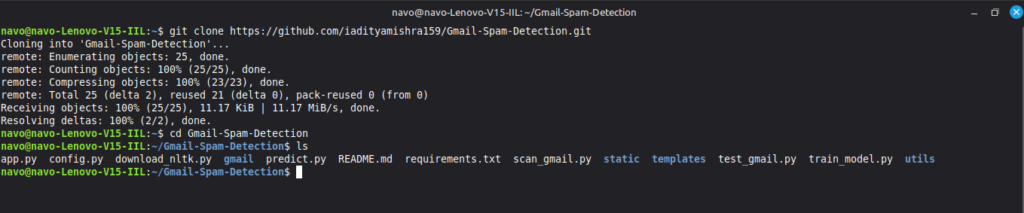
1. Clone the Repository
git clone https://github.com/iadityamishra159/Gmail-Spam-Detection.git
cd Gmail-Spam-Detection
2. Create Virtual Environment
Windows
python -m venv venv
venv\Scripts\activate
Linux / macOS
python3 -m venv venv

source venv/bin/activate

3. Install Dependencies
pip install -r requirements.txt

4. Download NLTK Resources
python download_nltk.py
🔑 Gmail API Setup
This repository does not include Google OAuth credentials for security reasons.
You must create your own Google Cloud Project.
Step 1
Go to https://console.cloud.google.com/
Step 2
go to select project and create a new project
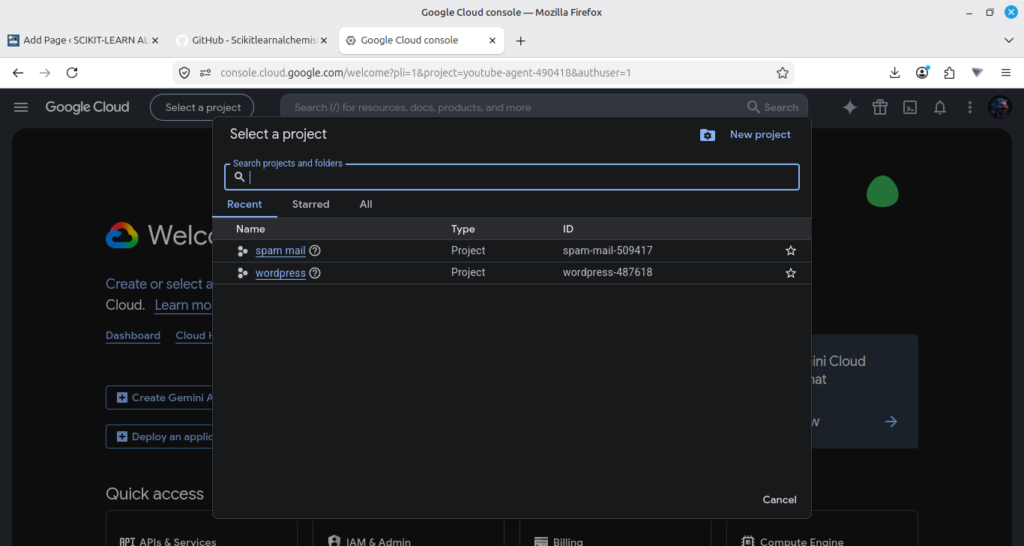
Step 3
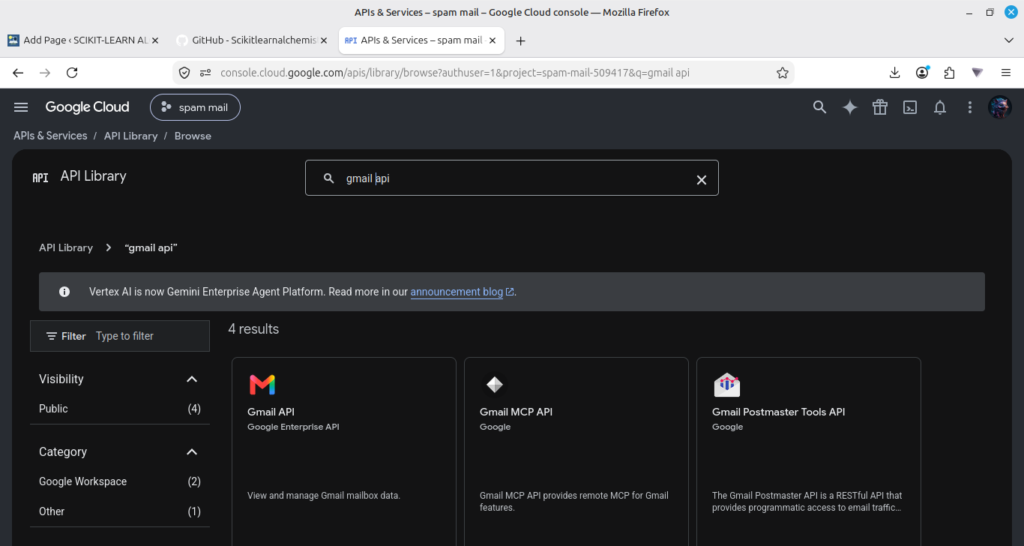
Enable the Gmail API.
APIs & Services
↓
Library
↓
Search “Gmail API”
↓
Enable
Step 4
Configure the OAuth Consent Screen.
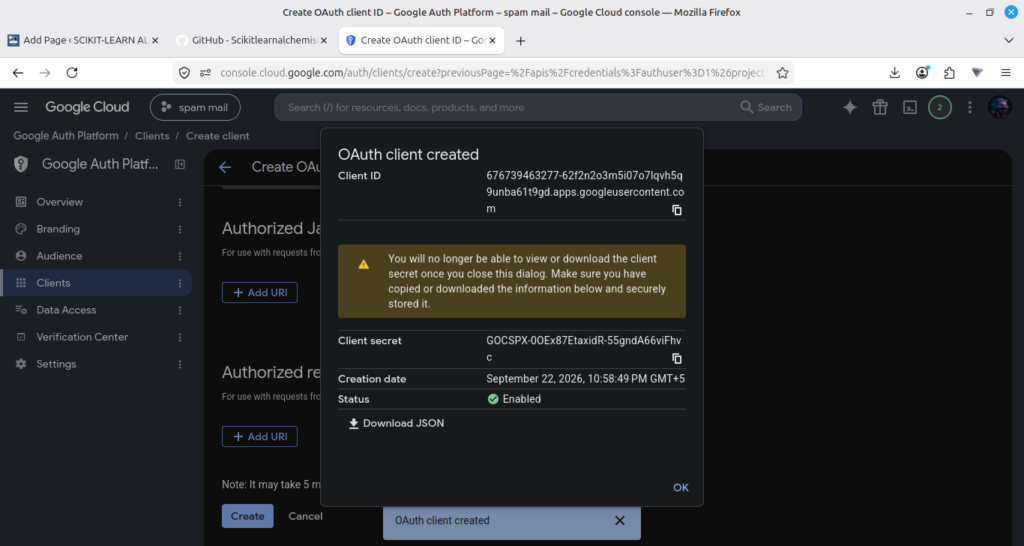
Create an OAuth Client ID.
Credentials
↓
Create Credentials
↓
OAuth Client ID
Step 6
Download the credentials file.
Rename it as
credentials.json

and place it inside the project root.
Step 7
Dataset
The original dataset used to train this project is not included in this repository because of its large size.
Download it from:
After downloading, place the files inside the dataset/ folder:
dataset/
└── email_dataset_classification.csv
Step 8
Train the Model
Before running the application, train the model by executing:
python train_model.py
This will automatically generate:
You may be got some error in this you have to resolve this by your self its came because of different version or Os system
model/spam_model.pkl model/tfidf_vectorizer.pkl
Step 9
Run the application.
python app.py
The browser will automatically ask for Gmail authorization during the first run.